Short-form creator
Turn a character portrait into a concise reaction, announcement, or story beat for a vertical video.
A more expressive opening that gives viewers a reason to keep watching.
AI video workflow
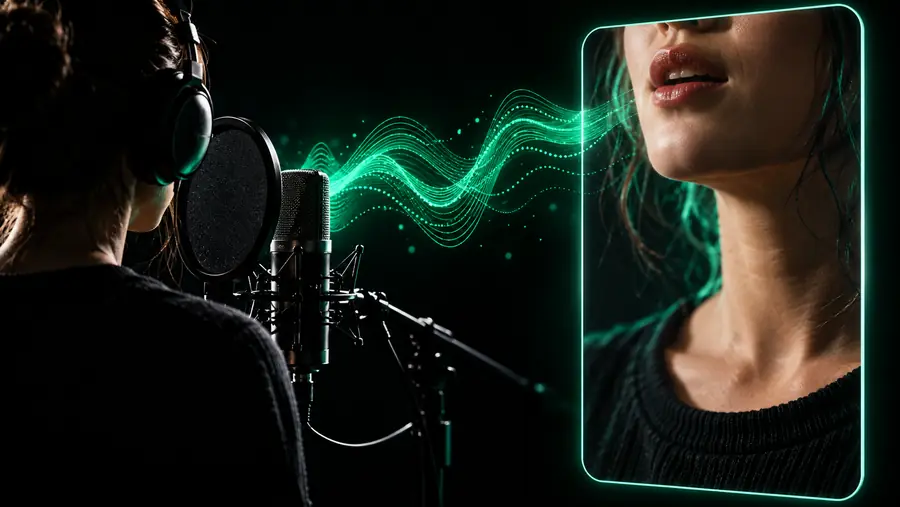
Dreamface ai lip sync helps you explore expressive talking-photo videos from a portrait and a spoken performance. Start with a focused prompt, then review the result for timing, expression, and visual consistency.
Creative starting points
Use lip-sync as a focused storytelling layer: give a still face a voice, a mood, and a reason to speak. The strongest results begin with a simple scene rather than a crowded list of instructions.
Turn a character portrait into a concise reaction, announcement, or story beat for a vertical video.
A more expressive opening that gives viewers a reason to keep watching.
Add a short spoken message to a favorite family photograph while keeping the delivery warm and restrained.
A personal keepsake with motion, voice, and a clear emotional focus.
Use a historical or illustrated portrait to introduce one idea in a lesson or presentation.
A memorable visual explainer that complements, rather than replaces, the main teaching content.
Create a short talking insert from a still asset when a full reshoot is not practical.
A draft performance that can be trimmed, captioned, and placed into a larger edit.
Core mechanisms
A convincing result depends on three connected inputs: the face, the performance, and the direction. Treat each one as a separate creative decision before combining them.
Use a front-facing portrait with visible eyes, a readable mouth area, and enough light to separate the subject from the background. Simple framing gives the animation fewer visual distractions.
Describe the speech mood and delivery in plain language: calm explanation, excited greeting, gentle laugh, or serious announcement. Keep the emotional direction consistent with the words.
Watch the whole clip for mouth timing, eye movement, head motion, and changes around hair or accessories. Keep the strongest take and revise the prompt when a movement feels distracting.
Prompt to result
These examples show how a short prompt can establish subject, delivery, and movement without overloading the scene. Adapt the wording to your own portrait and intended audience.
Animate this portrait speaking a warm welcome with natural lip movement, gentle eye contact, and a subtle smile.
 Welcome
result
Welcome
result
Make this character say one excited sentence with clear mouth movement, bright eyes, and a small nod at the end.
 Reaction
result
Reaction
result
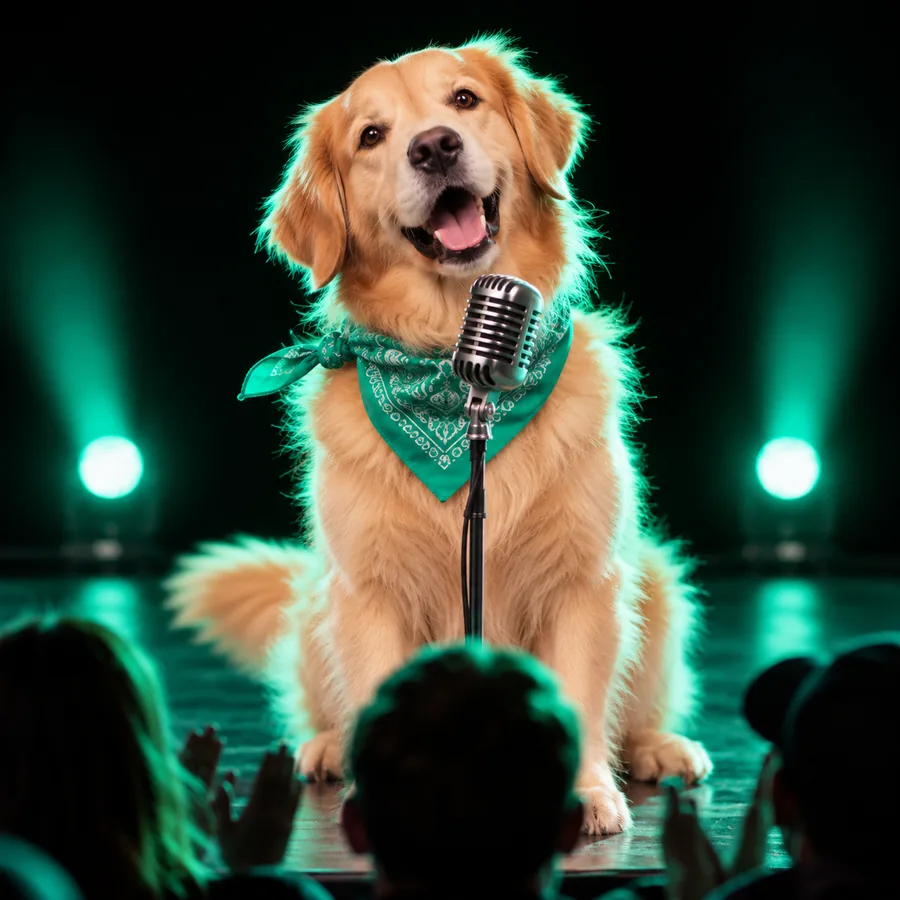
Animate this portrait explaining one simple fact in a calm, thoughtful voice with restrained head movement.
 Explainer
result
Explainer
result
Change one variable at a time: wording, mood, head movement, or camera direction.
Set expectations
Lip-sync is most useful when the source image and creative direction are under control. It is not a replacement for every kind of performance, edit, or consent check.
A tiny face, heavy blur, strong side profile, covered mouth, or harsh shadow can make facial motion less convincing.
What to do instead
Start with a sharp, well-lit, front-facing image and crop closer to the face.
A generated speaking face may not capture nuanced body language, complex emotion, or precise physical interaction with a scene.
What to do instead
Use it for short inserts, intros, reactions, and narration-led moments rather than demanding full performances.
Timing, expression, pronunciation, and visual artifacts still need a human check before a public upload.
What to do instead
Watch the complete clip with sound, trim weak moments, and add captions or a new take when needed.
Animating a recognizable person raises permission, identity, and audience-trust questions that a video tool cannot answer for you.
What to do instead
Use material you have permission to use and label synthetic or adapted performances when context calls for it.
Continue exploring
Choose the next route based on what you want to make after the lip-sync experiment.
Make a first draft
Start with a clear image, one short line, and a specific delivery. A focused first attempt makes it easier to judge mouth timing and expression before you add music, captions, transitions, or a larger story. Use the prompt box to hand off a concrete lip-sync idea, then treat the first result as a draft to review rather than an automatic final.
Common questions
Answers to practical questions people ask when exploring AI lip-sync video from a still image.
It is used to explore speaking or singing-style motion from a portrait, character image, or other face-centered visual. Common applications include short intros, reactions, explainers, keepsakes, and creative social clips.
A clear, well-lit, front-facing portrait usually gives the workflow a stronger starting point. Keep the face large enough to read, avoid heavy obstruction around the mouth, and choose an image that matches the mood of the spoken line.
Name the subject, the intended delivery, and one or two restrained movements. For example, specify a warm welcome, clear speech, natural mouth movement, and a small nod instead of stacking many conflicting actions.
Not in every situation. It can be useful for short inserts and concept drafts, but it may not reproduce nuanced acting, full-body movement, precise interaction, or every detail of a live performance, so review the result carefully.
Yes. Check speech timing, facial expression, eye and head movement, visual artifacts, and whether you have permission to use the source image. Add context or disclosure when your audience could mistake an adapted performance for an original recording.