The explainer creator
You have a script but no strong visual opening for a complex topic.
Use a focused scene prompt to establish the hook, visual language, and first frame before editing the full video.
YouTube workflow
Dreamface for youtube can help turn a rough channel idea into a clearer visual direction, a usable production prompt, and a more consistent publishing workflow.
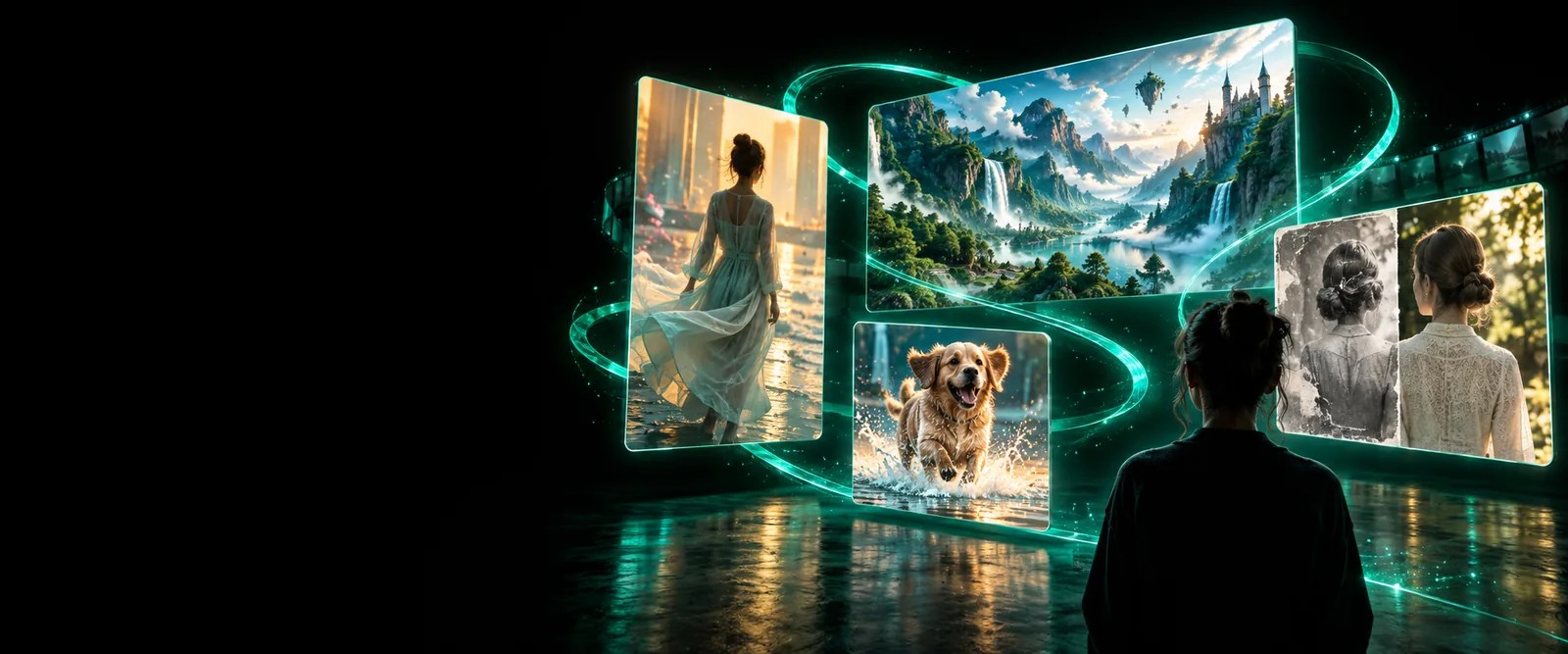
Prompt to output
A channel often loses momentum between the idea, the visual treatment, and the final upload. These examples show how a focused prompt can give each video a stronger starting point.
A cinematic dream sequence in a moonlit forest, glowing blue pathways, soft fog, slow camera movement, atmospheric storytelling.
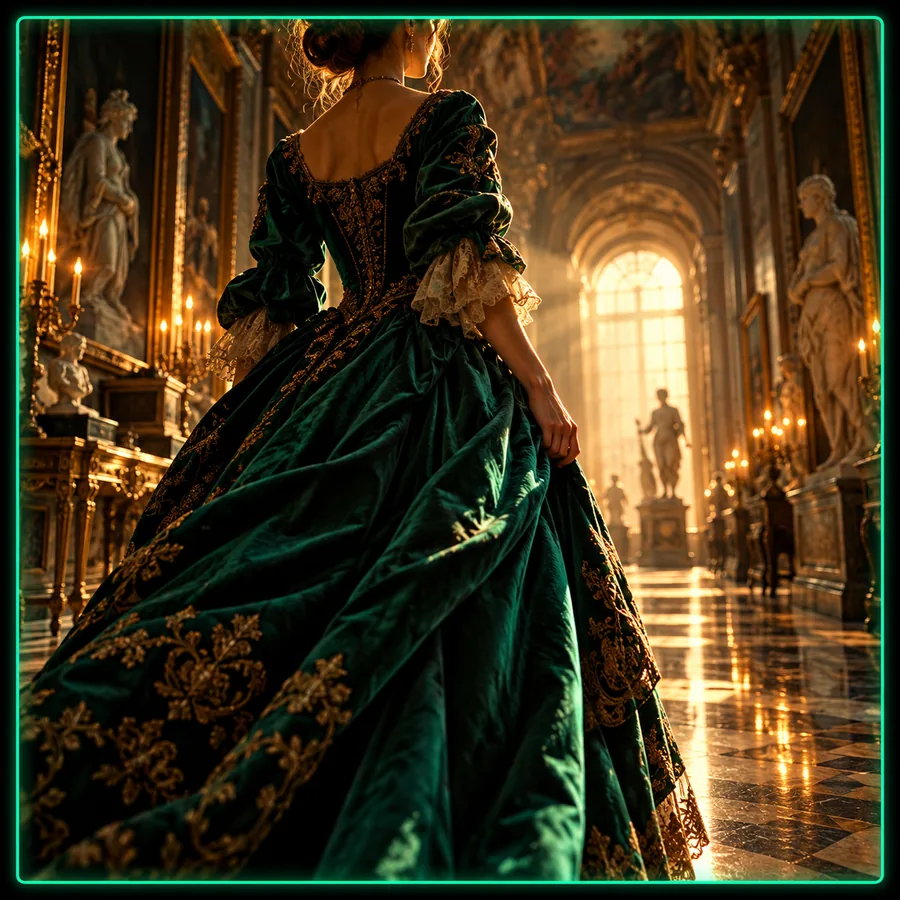 result
Create a charismatic presenter portrait for a technology channel, warm studio lighting, confident expression, clean modern background.
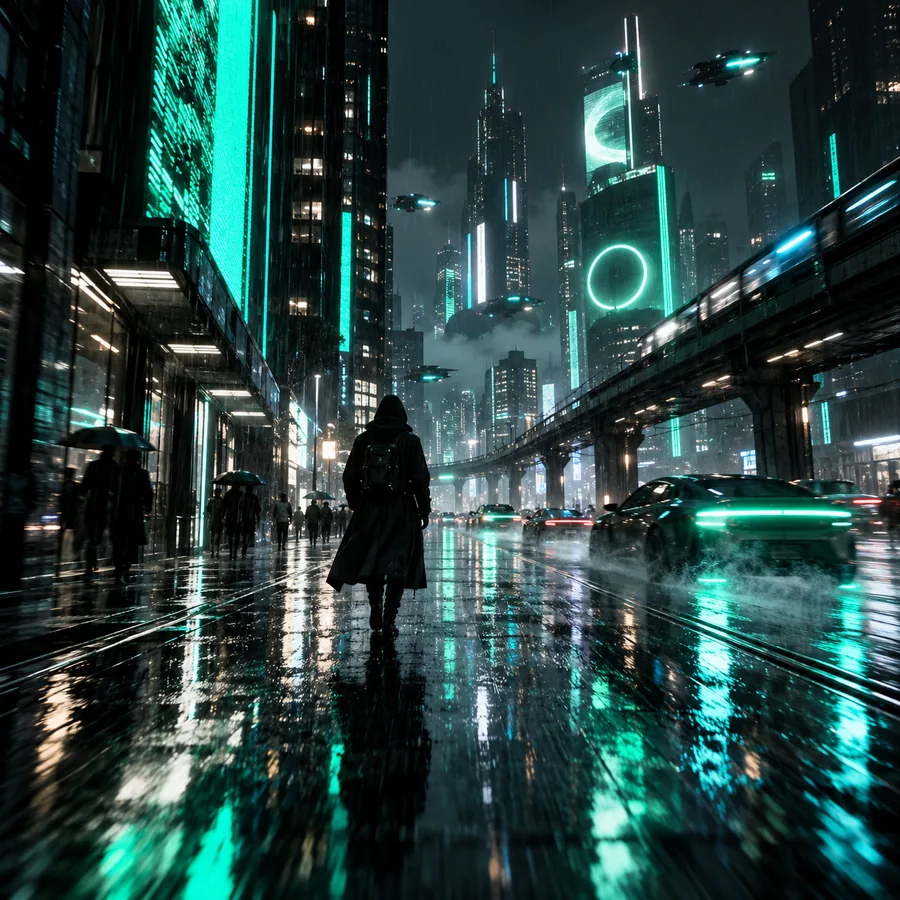 result
A vibrant travel opener showing a coastal road at sunrise, sweeping perspective, rich natural color, energetic documentary mood.
 result
A playful animated character discovers a hidden garden, expressive pose, colorful details, gentle depth of field, family-friendly tone.
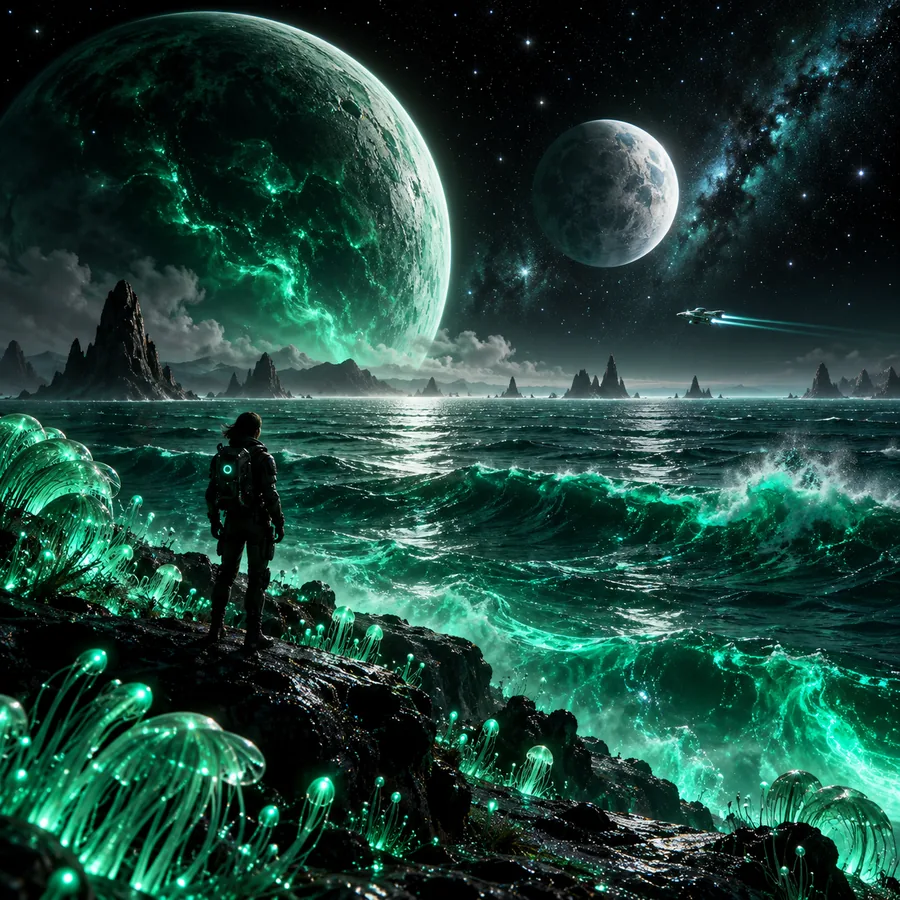 result
Adapt the subject, mood, camera movement, and audience promise while keeping one clear idea per prompt.
Channel workflows
Different YouTube formats need different creative starting points. Dreamface fits best when the prompt is tied to a specific audience, scene, or publishing goal.
You have a script but no strong visual opening for a complex topic.
Use a focused scene prompt to establish the hook, visual language, and first frame before editing the full video.
You need repeatable visuals that support narration without putting a presenter on camera.
Build a library of themed scenes, transitions, and recurring visual motifs that make episodes feel connected.
You are testing several opening ideas for a short-form YouTube series.
Compare concise concepts quickly, then carry the strongest visual direction into the edit and title package.
Your existing uploads feel visually inconsistent across topics and series.
Define a shared mood, color direction, and subject treatment so new episodes look like part of one channel.
Production planning
The strongest result is not only a generated scene. It is a usable handoff from idea to edit, with the creative decision visible at each stage.
| Loose channel idea | Focused Dreamface workflow | |
|---|---|---|
| Starting point | A broad topic such as travel, gaming, education, or commentary | One audience, one promise, and one visual situation |
| Prompt detail | Subject named without mood, setting, or movement | Subject, setting, lighting, pacing, and intended viewer reaction |
| Opening visual | Generic image that does not establish the episode | A deliberate first scene that supports the title and spoken hook |
| Series consistency | Every upload uses a different visual treatment | Reusable direction for recurring subjects, colors, and framing |
| Editing handoff | The generated idea still needs interpretation before use | The output is labeled by role, such as opener, transition, or story beat |
| Review standard | Judged only on whether the image looks attractive | Checked for clarity, audience fit, continuity, and publishing context |
| Publishing fit | Creative asset is separated from title, thumbnail, and script | Visual concept is evaluated alongside the episode's full promise |
Keep exploring
Before publishing, review every generated asset as part of the finished video rather than treating the prompt as a substitute for editorial judgment.
Editorial check
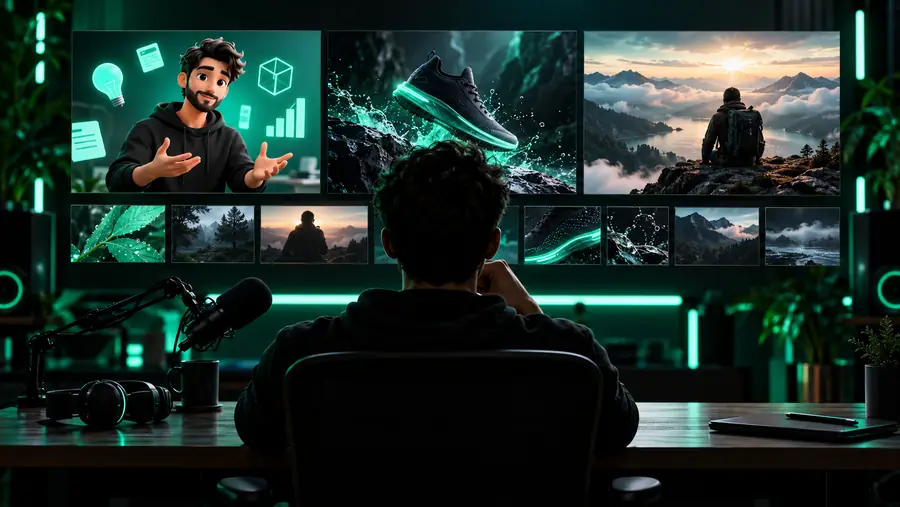
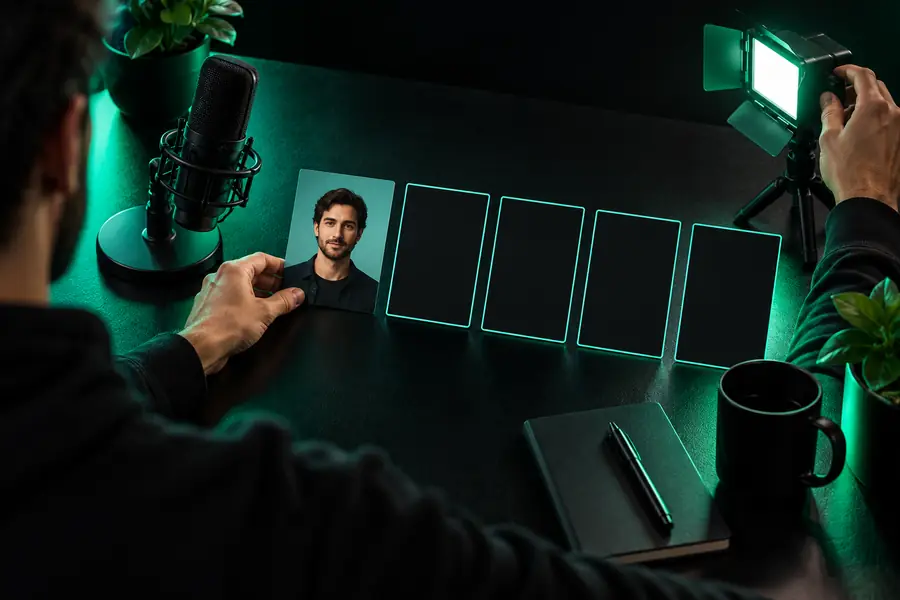
The before-and-after difference is the brief: a specific audience, a defined visual role, and a clear reason for the scene to exist.
Rough conceptChannel-ready directionMake the next video
Bring a topic, a visual mood, or a rough opening idea into Dreamface and turn it into a more deliberate direction for your YouTube workflow.
Scenario FAQ
Answers for creators deciding where Dreamface belongs in a YouTube production process.
Yes. Start with the subject, audience, mood, and intended role of the asset, such as an opener, transition, story scene, or channel visual. A focused prompt gives you a clearer creative direction to review before editing.
Describe the main subject, setting, visual mood, lighting, movement, and the viewer response you want. It also helps to state whether the output is meant for an intro, a narrative beat, a background visual, or a short-form hook.
It can support Shorts ideation when you keep the prompt concise and build around one strong visual moment. Test several opening concepts, then choose the direction that best matches the episode's audience and message.
Create a repeatable direction for recurring subjects, colors, framing, and tone, then reuse that guidance across prompts. Review each result against the channel identity instead of judging every asset in isolation.
Review the finished video for audience fit, continuity, clarity, and any rights or platform requirements that apply to your materials. Treat generated output as part of an editorial workflow and verify the final upload before publishing.